
Logs and the journal: what the system recorded and where to find it
Where a Linux host records what happened — and the messages it never writes at all.
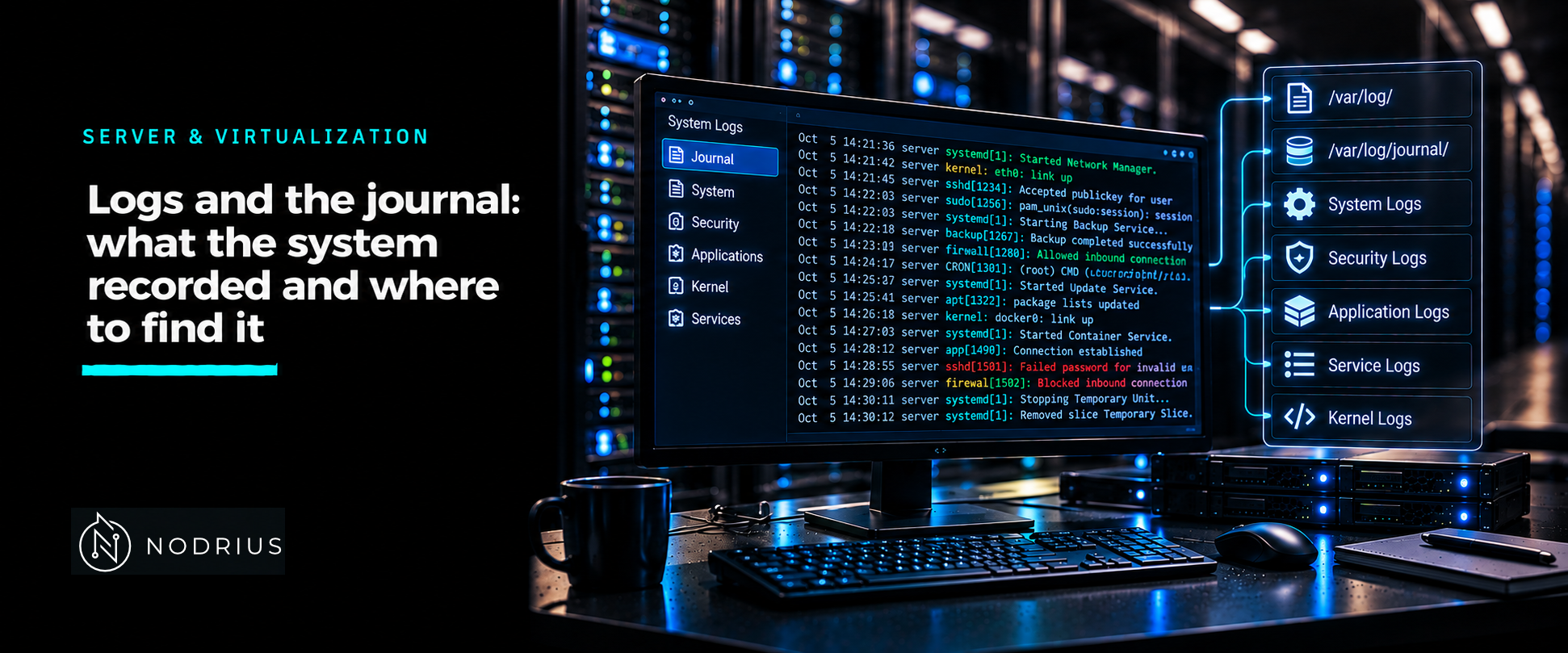
A Linux host records what happens in two places that coexist. systemd-journald collects messages — the kernel’s, the boot process’s, and services’ standard output and error — into the journal, a structured store queried with journalctl. The traditional syslog side, usually rsyslog, reads much of the same stream and writes plain-text files under /var/log/. Knowing which store holds what, and whether each one is even switched on, is the whole skill.
the journal, and where it lives
systemd-journald is a service. Its Storage= setting in journald.conf decides where records go:
volatile— memory only, under/run/log/journal. Lost at reboot.persistent— on disk, under/var/log/journal, with a fallback to/run/log/journalduring early boot or when the disk is not writable.auto— persistent if/var/log/journalexists, volatile otherwise. This is the compiled default on the LTS releases this sheet pins (RHEL 9, Ubuntu 22.04–24.04); systemd 259 changed the upstream default topersistent, so read the effective setting rather than assume one.
That default explains the most common surprise: a machine whose logs “vanish after a reboot” is simply storing them under /run/log/journal. journalctl --disk-usage shows how much is held, and journalctl --flush moves volatile data to disk when persistent storage is enabled.
querying with journalctl
Run with no options, journalctl shows everything, oldest first, in a pager. The options that do the real work:
| Goal | Option |
|---|---|
| one unit | -u foo.service (user units: --user-unit=) |
| this boot | -b |
| earlier boots | -b -1, -b -2, … (--list-boots to see them) |
| a time range | --since, --until |
| kernel messages | -k (implies -b) |
| severity | -p err, or a range -p warning..err |
| follow live | -f |
| last lines | -n 50 |
--since and --until accept an absolute stamp ("2026-10-05 08:00:00") as well as the words yesterday, today, tomorrow and now, plus relative offsets such as -2h. -p takes a single level or a FROM..TO range; levels run from emerg (0) to debug (7), and a single level means that level and everything more important. --no-pager keeps output script-friendly.
The journal also has to be kept from growing without limit: --vacuum-size=, --vacuum-time= and --vacuum-files= delete old archived files (active files are untouched), commonly after a --rotate.
/var/log and rsyslog
rsyslogd continuously reads the syslog messages the journal receives and writes them to files according to /etc/rsyslog.conf and the drop-ins in /etc/rsyslog.d/. Most files sit directly under /var/log/ — messages, secure (RHEL) or auth.log (Debian and Ubuntu), cron — while applications such as httpd keep their own under a subdirectory. Running logger test from a shell is the quickest way to prove the path end to end.
Those files are not infinite either. logrotate rotates, compresses and deletes them on a schedule defined by /etc/logrotate.conf and the files in /etc/logrotate.d/. Rotated files gain a suffix (messages.1, messages.2.gz) and the oldest are removed; a file with no rotation rule grows until the disk fills.
what is not in the log, and how to notice
The absence of an error is not evidence of success. Several things are simply never recorded:
- Output sent nowhere. A daemon that writes to its own file rather than to standard output never reaches the journal; look for its configured path instead of in
journalctl. - Rate-limited messages. journald applies a per-service rate limit (
RateLimitIntervalSec,RateLimitBurst; the defaults are 10000 messages in 30 s) and drops anything beyond it, generating one message about the number of dropped messages. - Volatile storage. With
Storage=volatile, everything is gone at reboot; check/var/log/journaland--disk-usage. - Rotated-away logs. The line you need may already be compressed or deleted by logrotate.
- A program that never started writes nothing, so a missing line can mean a missing process.
The practical rule: decide which store you are asking, confirm it is switched on, and only then read the silence as meaning something.
a sequence that usually works
When something broke and you do not yet know what, ask in this order. First the unit: journalctl -u <unit> -b shows what the service itself said this boot. If the unit is not the culprit, widen to the current boot at error priority: journalctl -b -p err. If the event is older, list the boots with --list-boots and pick one with -b -1. If the journal is empty where you expected text, suspect Storage=volatile, a rate-limited message, or a daemon that logs to its own file — and look under /var/log instead. That order is the point of the sheet: the filters narrow the question, and an empty result is itself information.
Level and prerequisites. L2 — operational: query the right store, use the filters, and recognise a log that was never written. Prerequisites are the Linux process and service model; the journal is queried per unit, so systemctl is assumed.
Where to go next
- Server & Virtualization — the macro-area this sheet belongs to.
- Operating systems — the node this sheet sits in.
- Storage — disk and filesystems, and the space
/var/logand the journal consume.
The companion sheets in this node — “systemd: units, targets and controlling services” and “Cron and systemd timers: scheduled work and why it fails silently” — supply the unit model and the scheduled jobs whose output lands in this journal.
References
- systemd — journalctl(1), Query the systemd journal — the filtering options (
-u,-b,--since,--until,-p,-k,-f,-n,--list-boots,--no-pager) and the maintenance commands (--disk-usage,--vacuum-size=,--vacuum-time=,--vacuum-files=,--rotate,--flush). - systemd — systemd-journald.service(8) — journald as the service that collects and stores log data.
- systemd — journald.conf(5) —
Storage=(volatile/persistent/auto/none), theRateLimitIntervalSec=/RateLimitBurst=defaults, andForwardToSyslog=. - systemd — journalctl(1), Debian bookworm edition — the verbatim option descriptions for
--boot,--since/--until,--priority,--dmesg,--followand the vacuuming switches. - Red Hat — Security hardening, Chapter 15: Configuring a remote logging solution (RHEL 9) — that
rsyslogdreads the messages journald receives, that it writes under/var/log/(including application subdirectories), and the/etc/rsyslog.conf+/etc/rsyslog.d/configuration model. - logrotate(8) / logrotate.conf(5), man7.org — rotation, compression and removal of log files driven by
logrotate.confandlogrotate.d.