
Users, groups and PowerShell: administering Windows Server from the command line
Local users and groups, NTFS permissions with icacls, and PowerShell remoting.
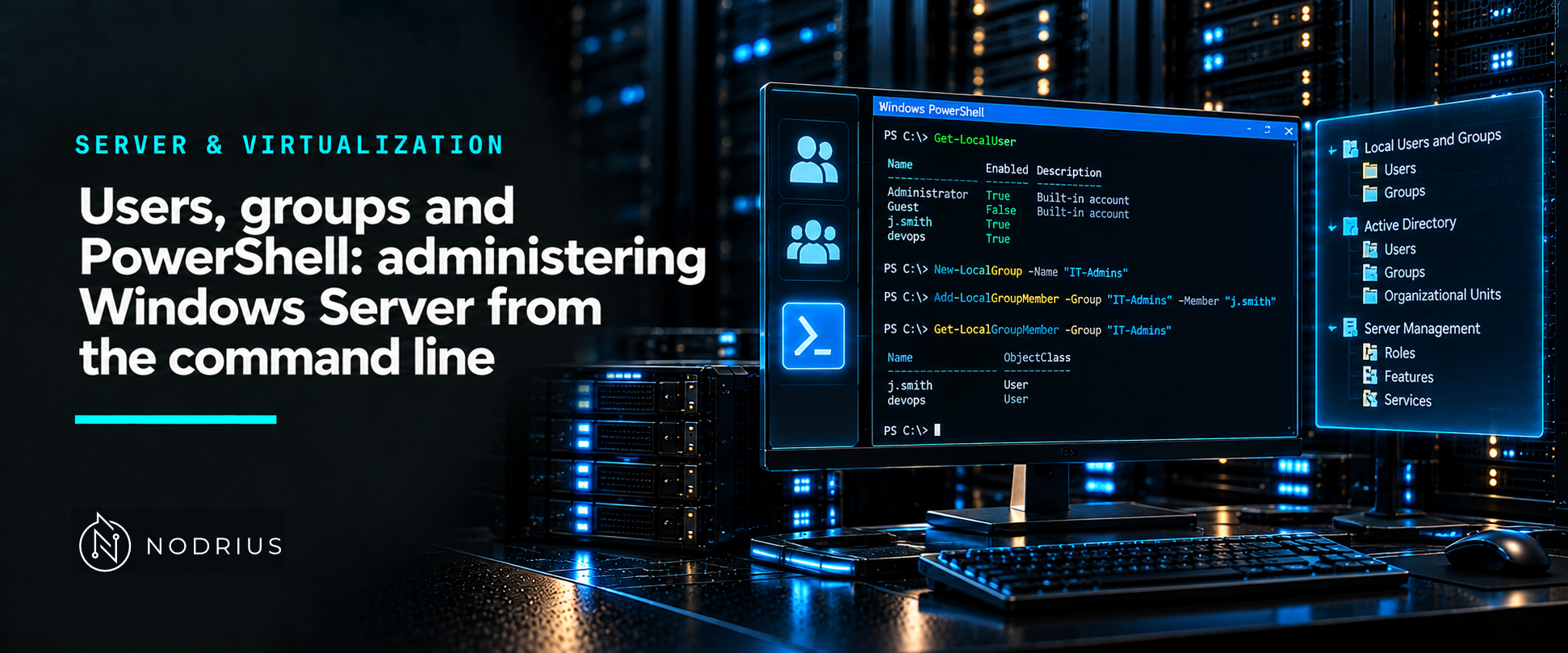
A local account is a security principal defined on one machine, and that machine is its security authority: its rights stop at that device and, by default, it has no access to network resources. A domain account is defined in Active Directory and can be used across the domain. On either kind of server the unit of permission is the group, not the person, and the tooling is the same shell throughout: the LocalAccounts module builds users and groups, icacls reads and writes the NTFS access control list, and PowerShell remoting over WinRM runs all of it on another server.
Local accounts versus domain accounts
Microsoft’s definition is blunt: local user and system accounts “have rights and permissions only on that device”, and the default local accounts “don’t provide access to network resources”. The built-in Administrator account — well-known RID 500, SID ending in -500 — is the first account created at installation, cannot be deleted, and is disabled by Windows setup in favour of another local account that is a member of the Administrators group. Guest is disabled by default and exists for one-off access.
Domain membership changes what you can put inside a local group. Add-LocalGroupMember accepts user accounts, computer accounts and group accounts from the joined domain and from trusted domains. One documented trap: if the computer is domain-joined and you try to add a local user whose name matches a domain member, the domain member is added instead.
Users, groups and the LocalAccounts cmdlets
The module Microsoft.PowerShell.LocalAccounts is not available in 32-bit PowerShell on a 64-bit system — worth remembering when a script works interactively and fails inside a 32-bit host.
| Task | Cmdlet |
|---|---|
| Create a local user | New-LocalUser |
| Read local users | Get-LocalUser |
| Create a local group | New-LocalGroup |
| Add a member to a group | Add-LocalGroupMember |
| List group members | Get-LocalGroupMember |
| Change or disable an account | Set-LocalUser, Disable-LocalUser |
$pw = Read-Host -AsSecureString
New-LocalUser -Name 'svc-report' -Password $pw -FullName 'Report Service' -Description 'Runs reporting.'
Add-LocalGroupMember -Group 'Administrators' -Member 'CONTOSO\Svc-Ops'
Get-LocalUser -Name 'svc-report'
The group is the point. All the rights and permissions assigned to a group are assigned to every member of it, and members of the local Administrators group have Full Control on the machine — so the question before adding anyone is “which group already carries this permission, and who else is in it?”. The same page notes that you cannot remove the built-in Administrator from Administrators, and that a new account can be created without a password (-NoPassword) or with one supplied as a secure string.
NTFS permissions and access control lists
NTFS permissions live in the discretionary access control list (DACL) attached to each file or folder. icacls displays or modifies that DACL and replaces the deprecated cacls. The core verbs are /grant (with :r to replace rather than add), /deny, /remove, /reset, and /save with /restore to capture an ACL and put it back.
icacls C:\Data
icacls C:\Data /grant "CONTOSO\Ops:(OI)(CI)M" /T
icacls C:\Data /deny "CONTOSO\Contractors:(OI)(CI)W"
icacls C:\Data /save aclfile /T
Permissions are a mask — F full, M modify, RX read and execute, R read — and inheritance is written as (OI) object inherit, (CI) container inherit, (IO) inherit only. icacls preserves the canonical order of entries: explicit denials, explicit grants, inherited denials, inherited grants. That ordering is what the “deny beats allow” rule actually rests on, and it is why a stray explicit deny is the first thing to look for when access is refused.
Share permissions versus NTFS permissions
A shared folder carries two independent permission lists — the share permissions on the share and the NTFS permissions on the folder — and only the NTFS list restricts a local sign-in. A share is therefore not a security boundary, and the file-server sheet in this batch treats the two layers together.
PowerShell remoting
Remoting is what turns one console into an administration point for many servers. In Windows, PowerShell remoting rides on WinRM, the Microsoft implementation of the WS-Management protocol; local and remote computers must run Windows PowerShell 3.0 or later, .NET Framework 4 or later and WinRM 3.0 or later. Windows Server 2012 and newer are enabled for remoting by default, and Enable-PSRemoting restores the configuration and firewall rules if they were changed.
Enter-PSSession -ComputerName SRV01— an interactive, one-to-one session;Exit-PSSessionorexitends it.Invoke-Command -ComputerName SRV01,SRV02 -ScriptBlock { Get-Service WinRM }— one command, several computers.New-PSSession -ComputerName SRV01— a persistent session, reused through-Session, for a run of commands that share state.
Who may connect is governed by the security descriptor on the session configuration, not by the account’s group alone: the default configurations, Microsoft.PowerShell and Microsoft.PowerShell32, allow only members of the Administrators group, and the documented alternative is membership of the Remote Management Users group on the remote computer. Establishing a loopback connection to the local computer, and changing session configurations, additionally require an elevated session.
Limits and the common error
The common error is granting permissions to a person instead of a group: the ACL then records an individual, and every join, move or departure becomes a file-system edit spread across folders. The mirror error is treating share permissions as a security boundary — they are simply invisible to a local logon. Two smaller traps: a local account and a domain account can carry the same name, and Add-LocalGroupMember will resolve it to the domain member; and interactive remoting is one session at a time, so Enter-PSSession is for exploring, while anything scripted belongs in Invoke-Command or a PSSession.
Level and prerequisites. L2 — operational: create users and groups, read and set ACLs, and reach another server from the console. Prerequisites: the L1 sheet on users, groups and permissions as concepts. Active Directory as a service, and Group Policy as a way to apply this at scale, are out of scope here and belong to their own sheets.
Where to go next
- Server & Virtualization — the area this sheet belongs to.
- Operating systems — the node this sheet sits in.
- Virtualization and networking — where remote management itself is treated as a service to secure.
References
- Microsoft Learn — Local accounts — https://learn.microsoft.com/en-us/windows/security/identity-protection/access-control/local-accounts
- Microsoft Learn — New-LocalUser (Microsoft.PowerShell.LocalAccounts) — https://learn.microsoft.com/en-us/powershell/module/microsoft.powershell.localaccounts/new-localuser
- Microsoft Learn — Get-LocalUser (Microsoft.PowerShell.LocalAccounts) — https://learn.microsoft.com/en-us/powershell/module/microsoft.powershell.localaccounts/get-localuser
- Microsoft Learn — Add-LocalGroupMember (Microsoft.PowerShell.LocalAccounts) — https://learn.microsoft.com/en-us/powershell/module/microsoft.powershell.localaccounts/add-localgroupmember
- Microsoft Learn — Microsoft.PowerShell.LocalAccounts Module — https://learn.microsoft.com/en-us/powershell/module/microsoft.powershell.localaccounts
- Microsoft Learn — icacls — https://learn.microsoft.com/en-us/windows-server/administration/windows-commands/icacls
- Microsoft Learn — Share and NTFS Permissions on a File Server — https://learn.microsoft.com/en-us/previous-versions/windows/it-pro/windows-server-2008-R2-and-2008/cc754178(v=ws.11)
- Microsoft Learn — Share and NTFS Permissions — https://learn.microsoft.com/en-us/iis/web-hosting/configuring-servers-in-the-windows-web-platform/configuring-share-and-ntfs-permissions
- Microsoft Learn — Enter-PSSession (Microsoft.PowerShell.Core) — https://learn.microsoft.com/en-us/powershell/module/microsoft.powershell.core/enter-pssession
- Microsoft Learn — Invoke-Command (Microsoft.PowerShell.Core) — https://learn.microsoft.com/en-us/powershell/module/microsoft.powershell.core/invoke-command
- Microsoft Learn — about_Remote_Requirements — https://learn.microsoft.com/en-us/powershell/module/microsoft.powershell.core/about/about_remote_requirements