
RAID: what redundancy buys, and what it does not
What a RAID level buys in availability, capacity and write cost — and where it stops.
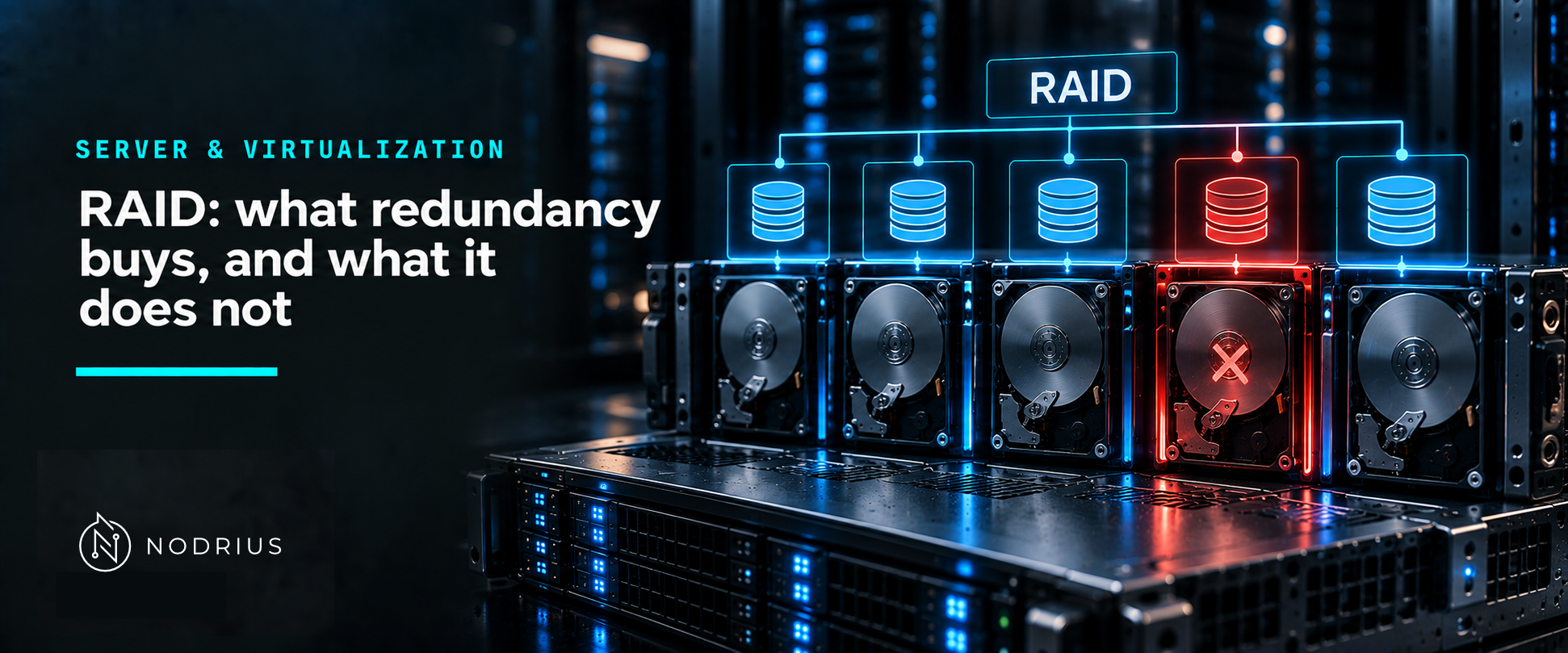
A RAID array is several disks presented to the operating system as one device, with one property added: the array is designed to keep serving data when a defined number of its disks fail. That property has a price in usable capacity and in write performance, and it has a boundary that is easy to misread — RAID protects against a disk failing, not against data being deleted, overwritten, encrypted or corrupted.
The model: one device, several disks, one scheme
logical device (what the OS sees)
        ↑
   RAID controller / software layer
        ↑
 layout scheme  →  striping (spread)  |  mirroring (copy)  |  parity (reconstruct)
        ↑
 physical disks:  ▣ ▣ ▣ ▣   (one or more may fail without losing the array)
The layout scheme is what a “RAID level” names. It decides three things at once: how many disk failures the array survives, how much of the raw capacity is usable, and what a write costs.
The term comes from the 1988 paper A Case for Redundant Arrays of Inexpensive Disks (RAID); the SNIA dictionary records that the acronym now stands for “Redundant Array of Independent Disks”.
The common levels, and what each one actually does
| Level | Mechanism | Survives | Usable capacity (n disks of size S) | Write cost |
|---|---|---|---|---|
| RAID 0 | striping, no redundancy | zero disk failures | n × S | one write, split across disks |
| RAID 1 | mirroring | one disk of the pair | S per pair | every write written twice |
| RAID 5 | striping with distributed parity | one disk | (n − 1) × S | read-modify-write per stripe |
| RAID 6 | striping with two parity blocks | two disks | (n − 2) × S | read-modify-write, two parities |
| RAID 10 | mirroring, then striping across the mirrors | one disk per mirrored pair | n/2 × S | every write written twice |
Two of those rows deserve a comment from the sources rather than from habit:
- RAID 10 is a combination, not a primitive. The SNIA Common RAID Disk Data Format describes a primary RAID level combined with a secondary RAID level; a mirrored primary with a striped secondary (SRL=01 with a striped qualifier) is what the industry calls RAID 10.
- “Tolerates one failure” is per group, and it is a count, not a guarantee. Microsoft’s description of Storage Spaces is explicit about the same trade-off in its own wording: a two-way mirror tolerates one drive failure, and it costs about 50% overhead, while a three-way mirror costs roughly 66%.
Where redundancy stops
A parity array can reconstruct data because the parity is arithmetic over the other disks: a failed disk is not “missing data” but “data that can be recomputed”. That is the whole mechanism, and it has direct consequences:
- Rebuilding is work, not a free operation. After a disk is replaced the array must read the surviving disks to regenerate what was lost. On parity arrays that means sustained reads across every remaining disk, while the array continues to serve the workload.
- The rebuild window is the vulnerable window. If a second disk fails before the rebuild finishes, the array loses data. This is what makes RAID 0 (nothing to rebuild with) and RAID 5 on large disks worth thinking about rather than copying from a template.
- Logical damage is replicated instantly. A mirror copies the write it is given, including a wrong, accidental or malicious one. Parity does not help either: it protects the representation of the data, not the data’s meaning. Deletion, corruption, and encryption by malware reach the array exactly as they reached the filesystem.
Point 3 is the reason a RAID array and a backup are two different things with two different jobs: RAID is about the availability of a device whose disks fail; a backup is about the recoverability of data that was lost, changed or damaged. The backup sheet for this area treats that side.
A common misconception: “RAID 5 means I am safe”
The sentence “one disk can fail” is true and incomplete: it says nothing about how long the array needs to rebuild, how much capacity the parity costs, how much slower writes become, or what happens if the data that is mirrored or parity-protected is itself wrong. The level is a trade-off, and the only way to choose it is to name what the workload needs: availability under disk failure, capacity, or write throughput.
What to remember
- A RAID level defines three things: failures survived, usable capacity, write cost.
- Striping has no redundancy; mirroring duplicates; parity reconstructs.
- RAID 10 is a mirrored array with striping across the mirrors; it is a combination of levels.
- Rebuilds are I/O work and take time; the array is degraded while they run.
- RAID improves availability. It is not a backup, and it does not detect logical damage.
Level and prerequisites
L1 — fundamentals: what the levels do and what they cost, with no procedure. Prerequisites: none, though
the storage-media sheet in this batch explains the device behaviour an array is built from. Creating an
array (mdadm, a controller BIOS, Storage Spaces), monitoring it, and deciding between hardware and
software RAID are operational material (L2), and ZFS pools, snapshots and scrub are L3.
Where to go next
- Server & Virtualization — the area this sheet belongs to.
References
- D. A. Patterson, G. Gibson and R. H. Katz, A Case for Redundant Arrays of Inexpensive Disks (RAID), SIGMOD 1988 — the origin of the term (title page of the fetched copy).
- SNIA, Common RAID Disk Data Format (DDF) Technical Position v2.0 — primary RAID level and RAID level qualifiers; secondary RAID levels: striped, mirrored, concatenated, spanned.
- SNIA, SNIA Dictionary — the acronym RAID and its change from “Inexpensive” to “Independent”.
- Linux kernel documentation, RAID arrays (
md) — software RAID levels, resynchronisation and the write-intent bitmap. - Microsoft Learn, Storage Spaces overview — simple, mirror and parity resiliency; two-way and three-way mirror failure tolerance and overhead.