
Bare metal, operating system, hypervisor and workload: which layer does what
Bare metal, hypervisor, host and guest: which layer does what, and what a guest sees.
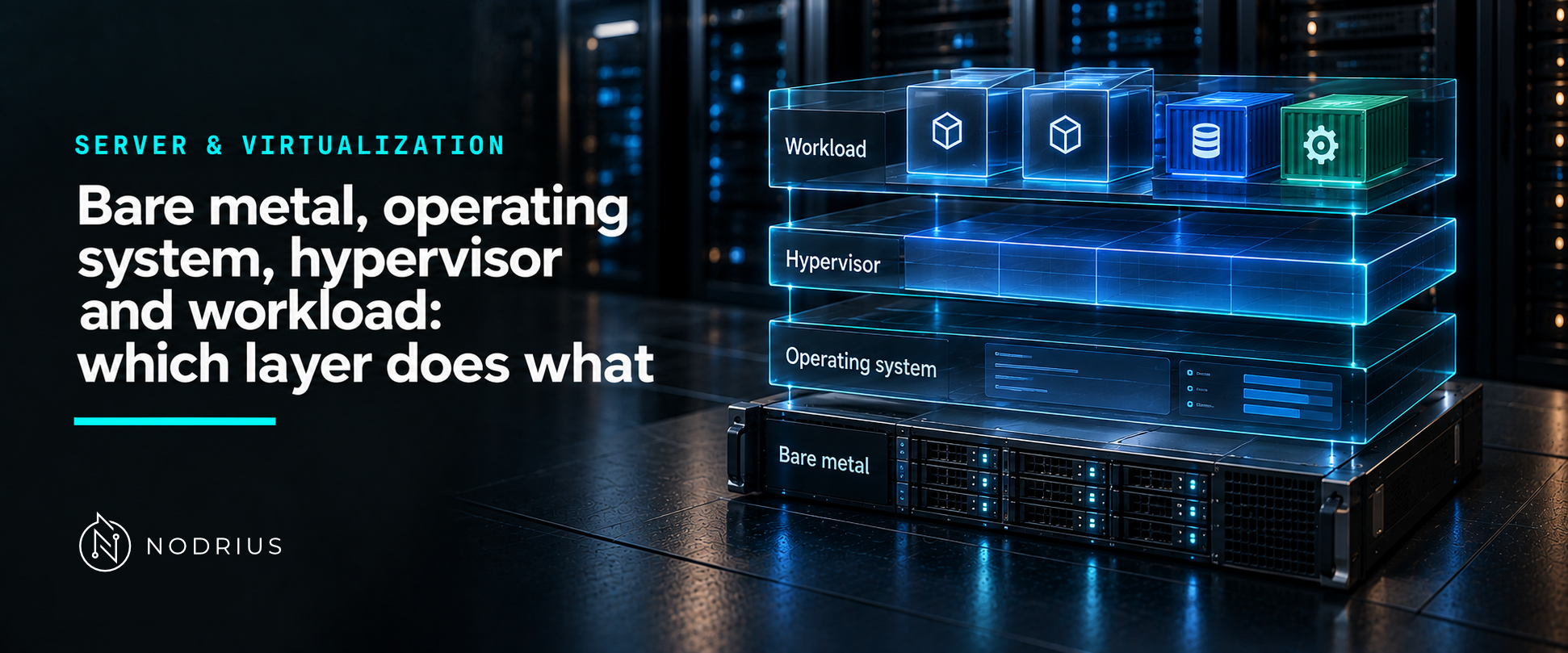
The same physical server can run one operating system directly, or several operating systems side by side. The difference is a single layer, and that layer changes the vocabulary of everything above it: what “host” and “guest” mean, where a resource is actually allocated, and which layer owns a problem. This sheet fixes the words before any hypervisor is administered.
The model: one machine, or one machine pretending to be several
bare metal                       virtualised
──────────                       ───────────
workload                         workload   workload
   ↑                                ↑           ↑
guest/host OS                     guest OS  guest OS
   ↑                                ↑           ↑
hardware                          virtual hardware (what a guest sees)
                                    ↑
                                 hypervisor (VMM)
                                    ↑
                                 hardware
“Bare metal” means the operating system runs directly on the hardware: there is no intermediate layer between them. In the virtualised case, exactly one new layer appears — the hypervisor — and every machine above it believes it has hardware of its own.
Terms used here
- Bare metal — the hardware without a virtualization layer underneath the operating system.
- Host — the machine (and its operating system) that runs the hypervisor and the guests.
- Guest — a virtual machine: an operating system running on hardware the hypervisor presents to it.
- Hypervisor / VMM — the layer that creates and runs guests; VMM stands for virtual machine monitor.
- Type 1 — a hypervisor that runs directly on the hardware.
- Type 2 — a hypervisor that runs on top of an existing host operating system.
- vCPU — a virtual processor presented to a guest, which the hypervisor schedules on real ones.
- Workload — the thing the platform exists to run: a service, an application, a database; in this vocabulary a workload runs inside an operating system, which may itself be bare metal or a guest.
The layer’s job: provide a machine, and intercept
The definition of the layer is older than the hardware that made it practical. Popek and Goldberg (1974) described a virtual machine monitor as the software that makes a duplicate of the real machine available to other software, and identified what that requires: operations with a privileged effect must be intercepted rather than executed as they would be on the real machine, or the guest could escape its own machine. Modern processors implement that interception (the root/non-root model of Intel VT-x, and its AMD counterpart), which is why virtualization on a server is a platform feature rather than a software trick.
Two things follow from that definition, and they are the reason the layer exists at all:
- Isolation. A guest sees its own machine and cannot simply reach outside it.
- Partitioning. The hypervisor decides which physical resources each virtual machine receives — how many vCPUs, how much memory, which devices.
Type 1 and type 2: where the layer sits
The two labels describe placement, not quality:
- Oracle’s VirtualBox manual states the distinction in the plainest form: if the hypervisor runs on top of an existing operating system it is called a type 2 hypervisor, in contrast to a hypervisor that “runs directly on the hardware”.
- Microsoft describes Hyper-V as “a type-1 hypervisor” that “runs directly on computing hardware”.
What the labels do not say is what a given hypervisor is good at. A type 1 hypervisor owns the machine and is the natural choice for a server platform; a type 2 hypervisor is convenient when the machine already has a desktop operating system, which is why it is common on workstations. Both are the layer that present its guests with virtual hardware.
What a guest does not see
A guest does not see the host’s hardware. It sees what the hypervisor presents: virtual processors, a memory size, and virtual devices. That is why a guest’s operating system needs drivers for virtual hardware, and why “the disk in the VM” and “the disk in the host” are different objects that only the hypervisor ties together. Everything an administrator does on a virtual machine — installing an operating system, resizing a disk, adding an interface — is therefore an operation on that presentation layer as much as on the operating system inside it.
A common misconception: “a virtual machine is just a process”
A guest operating system is not an application that happens to be running; it is a whole machine, presented by a layer that has to intercept privileged operations and manage resources on its behalf. The practical consequence is that problems have a layer: a guest that is slow may be short of the resources it was given, may be waiting for the host to schedule it, or may be waiting for hardware that the host itself is sharing. Deciding which of those it is — with the metrics of the layer — is the operational work, and it needs the vocabulary above to even be named.
What to remember
- Bare metal: the OS sits on the hardware. Virtualised: the hypervisor sits between them.
- A hypervisor (VMM) provides machines and must intercept privileged operations to keep guests inside them.
- Type 1 runs directly on hardware; type 2 runs on a host operating system. The labels say where, not how good.
- Host runs and owns the platform; guests are the machines it presents; workloads run inside an OS, virtualised or not.
- A guest sees virtual hardware, which is why guest drivers and device names are not the host’s.
Level and prerequisites
L1 — fundamentals: the layers and the vocabulary. Prerequisites: the idea of an operating system managing hardware (see Linux and Windows Server fundamentals, same batch). Sizing, overcommitment, live migration, clusters and high availability, containers, passthrough (PCIe/GPU, SR-IOV) and nested virtualization are all later material: L3–L5, or Projects.
Where to go next
- Server & Virtualization — the area this sheet belongs to.
References
- G. J. Popek and R. P. Goldberg, Formal Requirements for Virtualizable Third Generation Architectures (1974) — the definition of a virtual machine monitor and the requirement to intercept privileged operations.
- Oracle, Oracle VM VirtualBox User Manual, chapter 1 — the type 1 / type 2 distinction (“if the hypervisor runs on top of an existing operating system” it is called a type 2 hypervisor, versus a hypervisor that runs directly on the hardware).
- Microsoft Learn, Hyper-V technology overview — Hyper-V as a type 1 hypervisor that runs directly on computing hardware, with consolidation and isolation as the stated purpose.
- Linux kernel documentation, KVM API — the software counterpart: a vCPU is created for a virtual machine by an explicit operation, which is what “the hypervisor schedules guests” looks like in code.