
Prompt, context and constraints: what the request envelope decides
The model sees what the envelope builds: template, budget and stopping conditions.
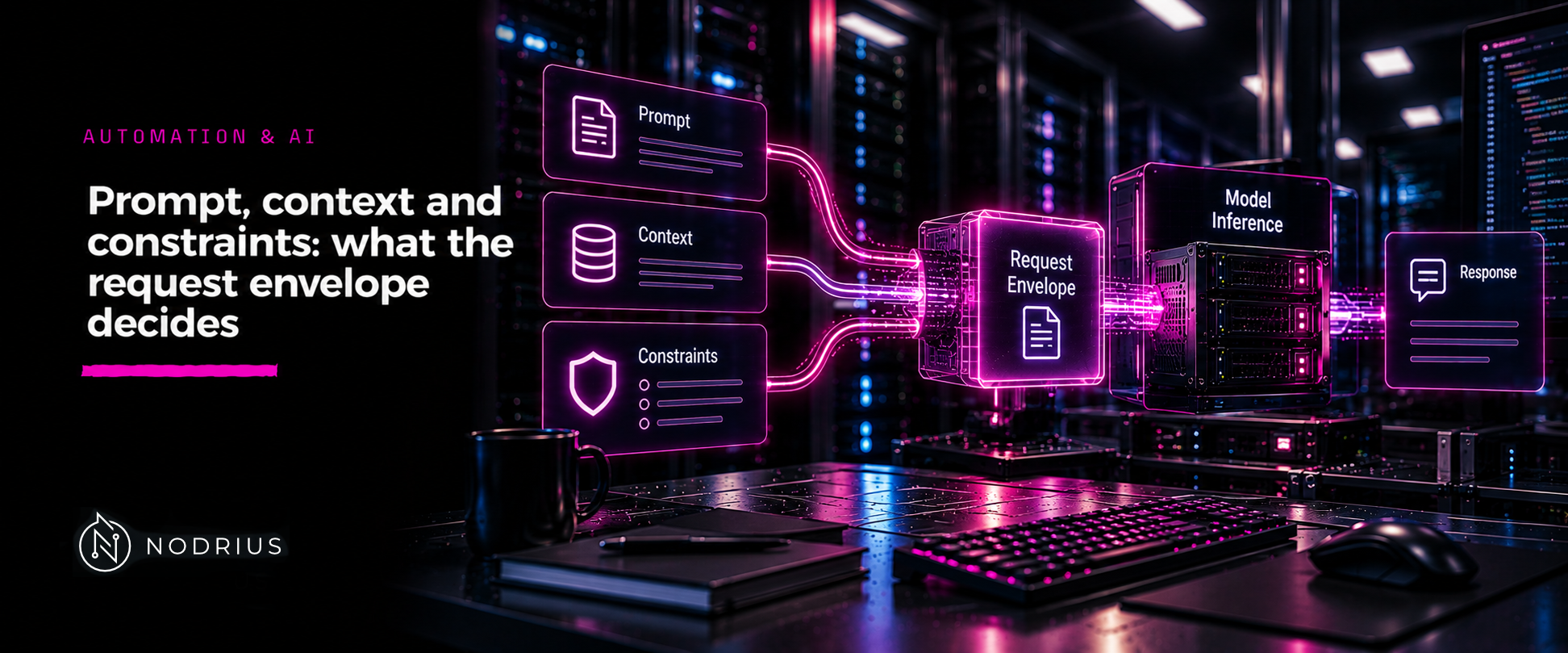
The L1 sheet of this area explains what prompts, system instructions and messages mean to a model. This sheet is about the envelope an API puts around them, because the envelope — not the model — decides what the model actually sees: a chat template turns your turns into a token sequence, and a token budget decides where generation stops.
Three layers of envelope
1. Messages or a prompt. A chat API takes an array of turns with roles; a completion API takes a string. The engine converts the first into the second, and everything below happens to that conversion.
2. The chat template. Every instruction-tuned model was trained on one exact formatting of those turns
— markers around the system message, role names, separators. The engine applies the template that the
model’s own metadata declares: in a llama.cpp server, --jinja, --no-jinja selects “whether to use jinja
template engine for chat (default: enabled)”, and --chat-template overrides the default, which is the
“template taken from model’s metadata”. --chat-template-kwargs passes parameters into that template, and
--skip-chat-parsing forces a pure content parser instead of splitting reasoning and tool calls out of the
output.
Two things follow. First, the template is inspectable: POST /apply-template “Returns a JSON object with
a field prompt containing a string of the input messages formatted according to the model’s chat template
format” — the fastest way to see what the model is really going to read. Second, the template travels with
the model — /props reports “chat_template - the model’s original Jinja2 prompt template” — which is one
of the reasons a self-describing container matters (see the formats sheet in this batch). Using a different
template from the one a model was trained with is a silent quality failure, not an error message.
3. The per-request constraints. These bound the output and stop the generation:
- the output budget —
-n, --predict, --n-predict N, documented as “number of tokens to predict (default: -1, -1 = infinity)”. Infinity is not a plan; server engines also accept the per-request equivalent, and Ollama exposes the same family through itsoptionsobject alongsidetemperatureandseed. - stopping conditions — the
stopsequences an engine checks for, so that an answer ends where the caller wants rather than where the budget runs out. - sampling parameters —
temperatureand the rest, whose semantics belong to the L1 sheet; what matters here is that they travel in the request and can be set per call. Reproducibility is the same story: Ollama’s own guidance is “For reproducible outputs, setseedto a number”. - the system message, which a request may override: Ollama documents
systemas a system message that “overrides what is defined in theModelfile”.
The budget is shared, and it is finite
The prompt and the output are paid from the same allowance, set by -c, --ctx-size — “size of the prompt
context (default: 0, 0 = loaded from model)”. A request whose input plus requested output exceeds that
allowance cannot be satisfied as written, and the engine’s behaviour in that case is defined by that
engine’s documentation rather than by a general rule; the sheet that follows on streaming and timeouts
assumes the request was accepted in the first place.
Concurrency makes the allowance smaller, not larger: server slots (-np, --parallel) share one key-value
pool, and --kv-unified-per-slot N exists precisely to set a “context limit per parallel slot” when several
requests are in flight. A client that sends a long document to a server sized for many short chats is
choosing a different prompt length from the one it tested with.
The off switch, and why it is worth knowing
An engine can bypass formatting entirely: Ollama’s raw parameter lets the caller “bypass the templating
system and provide a full prompt”, with the documented consequence that “raw mode will not return a
context”. That option is the clearest demonstration that the envelope is a real, separable layer: template,
roles and budget are decisions made around the model, and each of them can be replaced.
A checklist for the envelope
- Which model revision, and which chat template (its metadata’s, or an override you chose deliberately)?
- Do the roles and the message contents match what the template expects?
- Does prompt + output budget fit the configured context, at the concurrency you expect?
- Are stopping conditions set, or will generation end only when the budget is exhausted?
- Which sampling parameters are set per request, and are they pinned where reproducibility matters?
- What does the engine do when the allowance is exceeded — the answer is in its documentation.
Level and prerequisites. L2 — operational: the reader must be able to shape a request deliberately and to know which layer each parameter belongs to. The semantics of instructions and roles stay with the L1 sheet; the window’s meaning and practical limits stay with the L1 context sheet; structured output is the next sheet in this batch. Prerequisites: the L1 sheets on prompts and on the context window.
Where to go next
- Automation & AI — the macro-area this sheet belongs to.
- Applications — the node this sheet sits in.
References
- ggml-org — llama.cpp server — the Jinja template options and their defaults,
POST /apply-template, thechat_templateproperty,--ctx-size,--predict,--paralleland--kv-unified-per-slot. - Ollama — API reference — the
options,system,rawandseedparameters and the streaming default. - The L1 sheets of this area — the meaning of prompts, system instructions and the context window.