
Active Directory and Group Policy: identity and configuration at scale
How Active Directory stores identity, and how Group Policy outranks local settings.
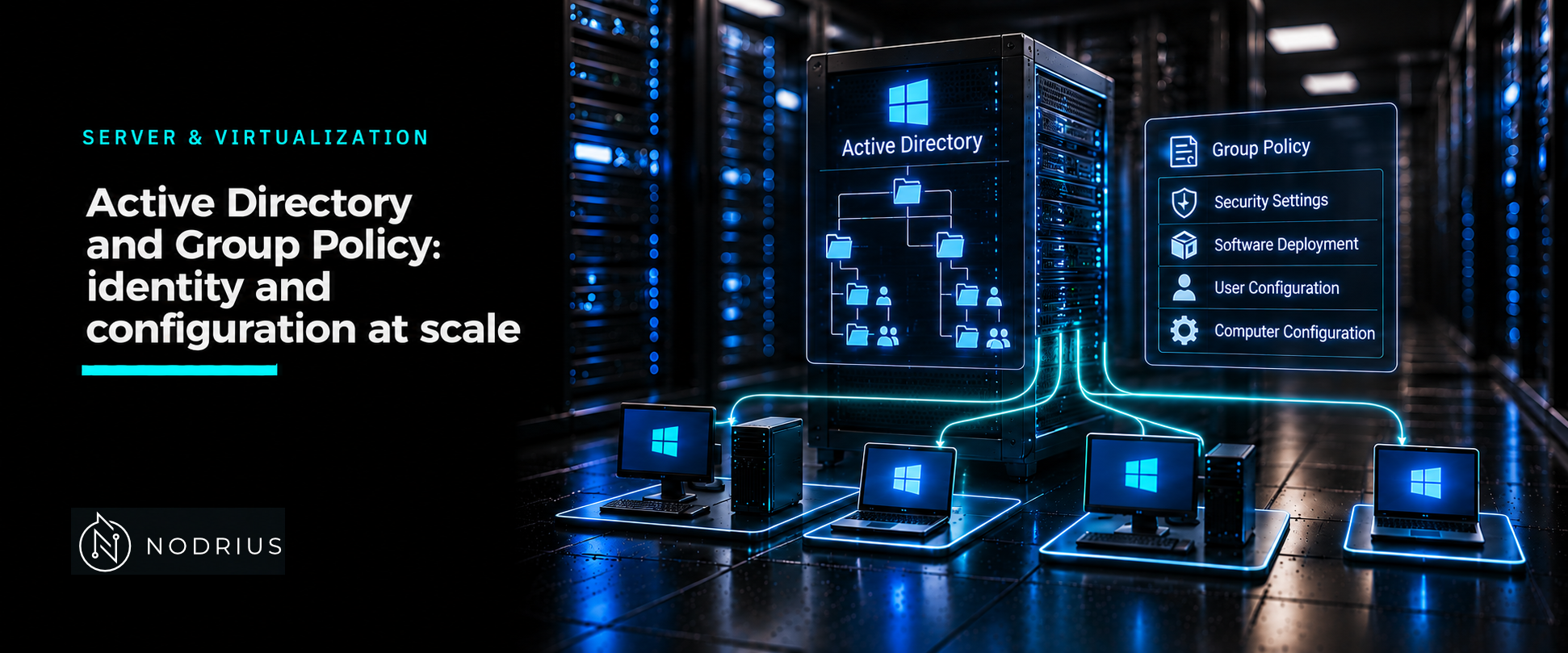
A server joined to an Active Directory domain no longer relies on its own list of users or its own settings. It asks a domain controller who a user is and what that user may do, and it receives configuration from Group Policy Objects linked in the directory. Centralising both is what makes managing more than a handful of servers possible: create the account once and reference it anywhere in the forest, define the setting once and let every computer in scope receive it.
The model: a directory that answers, a policy that configures
Active Directory Domain Services (AD DS) is a directory service — a hierarchical store of objects such as users, computers, groups and shared resources, with sign-in authentication and access control built in. It answers the identity question. Group Policy answers the configuration question: it manages user and computer settings, and in an Active Directory environment it stores them in a Group Policy Object (GPO). The two mechanisms are separate, but they read the same hierarchy.
| Container | What it is | What it decides |
|---|---|---|
| Forest | One or more domains sharing a common schema, logical structure and automatic two-way transitive trusts | The security boundary: each forest is a single instance of the directory |
| Domain | An administrative unit grouping network-wide user identity, authentication, trust relationships, policy administration and replication | Which accounts exist and who authenticates them |
| OU (organizational unit) | The lowest-level Active Directory container to which you can assign Group Policy settings | Delegation and where GPOs are linked |
A domain controller (DC) hosts AD DS. Every DC in a domain holds a complete copy of the directory data for that domain and replicates changes to the others, so the controllers are peers managed as a unit.
Accounts, groups and joining a server
User and computer accounts are objects in the directory. A user account carries a unique identifier that the domain authenticates and that resources use to authorise access. New-ADUser creates one; the SamAccountName parameter is required, and -Path decides the container the object lands in.
New-ADUser -Name 'Kim Askers' -SamAccountName 'kaskers' `
  -Path 'OU=Human Resources,DC=corp,DC=contoso,DC=com' `
  -AccountPassword (Read-Host -AsSecureString 'AccountPassword') -Enabled $true
Groups collect accounts into manageable units. Active Directory has security groups, used to assign permissions to resources, and distribution groups, used for email distribution lists. New-ADGroup requires Name and GroupScope, while -GroupCategory chooses Security or Distribution. The design rule is to grant permissions to a group once rather than to each user separately, so membership becomes the only thing that changes.
Joining a member server to the domain is what makes it use that identity. Add-Computer adds the local or a remote computer to a domain, can place the new account in a chosen organizational unit, and can restart the computer to make the change effective.
Add-Computer -DomainName corp.contoso.com `
  -OUPath 'OU=Servers,DC=corp,DC=contoso,DC=com' -Credential (Get-Credential) -Restart
Group Policy: links, inheritance and processing order
A GPO is a virtual collection of policy settings, security permissions and scope of management. It has a Group Policy container in the Active Directory domain partition and a Group Policy template in the SYSVOL folder on each domain controller, and both are replicated between controllers. You link a GPO to a site, a domain or an organizational unit — never directly to a user object. Settings are split into computer configuration, applied system-wide, and user configuration, applied to the signed-in user.
Processing order is fixed: the local GPO first, then GPOs linked to sites, then to domains, then to organizational units, with parent units before child units. Because each later application can override an earlier one, the container closest to the object wins. Inheritance is suspended when a link is marked Enforced or when the container has block inheritance set. When several GPOs are linked to one container, the link with the lowest link order has precedence. Computer policy is applied at startup and user policy at sign-in (foreground processing); afterwards the system refreshes policy in the background, by default every 90 minutes with a random offset of up to 30 minutes, and all processing must complete within 60 minutes.
Local configuration versus domain configuration
Local policy is stored on the machine and edited with the Local Group Policy Editor (gpedit.msc); domain-wide GPOs are edited in the Group Policy Object Editor inside an Active Directory snap-in such as the Group Policy Management Console. Local settings apply only to that computer and have the lowest precedence: in a domain, policy from GPOs linked to Active Directory containers overrides the local settings. So a setting changed locally on a domain-joined server can be overwritten at the next refresh — the local editor configures a standalone machine, not a managed one.
Verifying, and the common errors
Two commands answer which policy is actually applied to a machine. gpresult /r reports the Resultant Set of Policy summary for the current user and computer — which GPOs applied — and gpupdate /force reapplies every setting instead of only the changed ones; gpresult narrows the report with /scope user or /scope computer, and gpupdate with /target:user or /target:computer. In the Group Policy Management Console, Group Policy Results reports what actually applied to a live computer, while Group Policy Modeling simulates the effect of GPOs, group membership and WMI filters before you deploy.
The common errors are structural. A correct GPO linked to the wrong container, or a block-inheritance or security filter that quietly excludes the target, changes nothing on the clients while the console still shows the settings. Assuming gpupdate will apply a setting that only takes effect at the next startup or sign-in produces reports that are really a timing issue. And because domain policy overrides local policy, a setting edited locally on a managed server does not hold.
Level and prerequisites. L2 — operational: know the Active Directory container model, create accounts and groups, join a server, and predict which GPO applies. Prerequisites: the L1 material on what a server operating system is, plus the roles-and-features sheet, since AD DS is installed as a role.
Where to go next
- Server & Virtualization — the area this sheet belongs to.
- Operating systems — the node this sheet sits in.
- Platform foundations — what the server is before it has a role.
- Network services — the DNS name resolution AD DS depends on, covered from the protocol side.
References
- Microsoft Learn — Active Directory Domain Services overview — https://learn.microsoft.com/en-us/windows-server/identity/ad-ds/get-started/virtual-dc/active-directory-domain-services-overview
- Microsoft Learn — Appendix A: Reviewing Key AD DS Terms — https://learn.microsoft.com/en-us/windows-server/identity/ad-ds/plan/appendix-a--reviewing-key-ad-ds-terms
- Microsoft Learn — Active Directory security groups — https://learn.microsoft.com/en-us/windows-server/identity/ad-ds/manage/understand-security-groups
- Microsoft Learn — Active Directory accounts — https://learn.microsoft.com/en-us/windows-server/identity/ad-ds/manage/understand-default-user-accounts
- Microsoft Learn — Join a computer to a domain — https://learn.microsoft.com/en-us/windows-server/identity/ad-ds/manage/join-computer-to-domain
- Microsoft Learn — Add-Computer (Microsoft.PowerShell.Management) — https://learn.microsoft.com/en-us/powershell/module/microsoft.powershell.management/add-computer
- Microsoft Learn — New-ADUser (ActiveDirectory) — https://learn.microsoft.com/en-us/powershell/module/activedirectory/new-aduser
- Microsoft Learn — New-ADGroup (ActiveDirectory) — https://learn.microsoft.com/en-us/powershell/module/activedirectory/new-adgroup
- Microsoft Learn — Group Policy overview for Windows Server — https://learn.microsoft.com/en-us/windows-server/identity/ad-ds/manage/group-policy/group-policy-overview
- Microsoft Learn — Group Policy scope — https://learn.microsoft.com/en-us/windows-server/identity/ad-ds/manage/group-policy/group-policy-scope
- Microsoft Learn — Group Policy processing — https://learn.microsoft.com/en-us/windows-server/identity/ad-ds/manage/group-policy/group-policy-processing
- Microsoft Learn — Group Policy Modeling and Results in Windows — https://learn.microsoft.com/en-us/windows-server/identity/ad-ds/manage/group-policy/group-policy-modeling-results
- Microsoft Learn — gpresult — https://learn.microsoft.com/en-us/windows-server/administration/windows-commands/gpresult
- Microsoft Learn — gpupdate — https://learn.microsoft.com/en-us/windows-server/administration/windows-commands/gpupdate