
DNS and DHCP roles on Windows Server
Windows DNS and DHCP roles: installing them, configuring zones and scopes, and verifying.
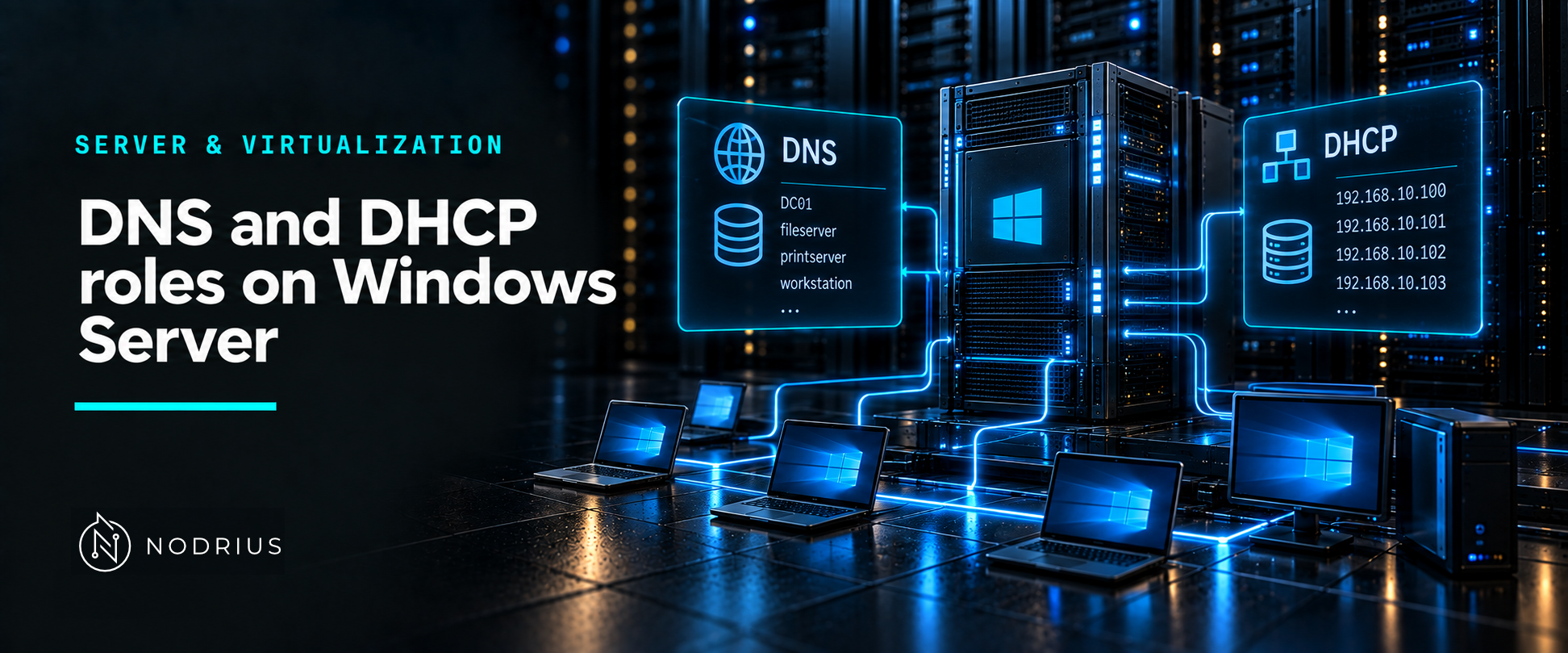
Two services hold a Windows network together at the naming and addressing layer: DNS turns names into addresses, and DHCP hands addresses out. Windows Server implements both as installable roles, and it is worth separating the two things the word “role” covers — the Windows management surface (binaries, a service, a console, a PowerShell module, Active Directory integration) and the protocol behaviour underneath, which is defined outside Windows. This sheet is about the role. The protocol mechanics belong to the Networking area.
The model: a role is an implementation of a protocol
DHCP is an IETF standard, specified in RFC 2131 and RFC 2132; DNS is an industry-standard protocol as well. What Windows Server adds on top is a role you install and manage. Install-WindowsFeature adds the role and, with -IncludeManagementTools, its administration tools. In an Active Directory environment DNS is not optional: when a new forest is created, DNS is installed automatically with AD DS, because AD DS uses DNS to locate domain controllers and to hold the namespace of the domain.
Install-WindowsFeature -Name DNS -IncludeManagementTools
Install-WindowsFeature -Name DHCP -IncludeManagementTools
DNS: zones, records and Active Directory integration
A DNS zone is the portion of the DNS namespace a server is authoritative for; it holds resource records and answers queries in that namespace. Windows Server supports primary zones, secondary zones (read-only copies of a primary), stub zones and reverse lookup zones. Zone data can be stored in a file or in Active Directory. An Active Directory–integrated zone lives in the directory and is replicated by Active Directory replication rather than by zone transfers, supports secure dynamic updates, and lets any domain controller hosting the DNS Server role act as a primary that can write updates.
Add-DnsServerPrimaryZone -Name 'north.contoso.com' -ReplicationScope Forest -PassThru
Add-DnsServerResourceRecordA -Name 'host23' -ZoneName 'contoso.com' -IPv4Address '172.18.99.23' -TimeToLive 01:00:00
Set-DnsServerForwarder -IPAddress '10.0.0.1' -PassThru
Records are created per type — a host (A) record maps a name to an IPv4 address — and a forwarder sends queries the server cannot resolve locally to another DNS server, with root hints used when no forwarder answers. What a query looks like on the wire, how the record types are structured and how recursion works are protocol topics handled under Networking; the role exposes zones, records and server settings.
DHCP: scopes, leases, reservations and options
A DHCP scope is an administrative grouping of IP addresses for a subnet that the server can lease to clients. A typical scope carries an address range, a subnet mask, a lease duration, reservations and options. A reservation ties one address to one client’s identifier — for Windows clients, the MAC address — so that client always receives the same address. Options supply the rest of the client configuration: option 6 lists DNS servers, option 3 the router or default gateway, and the DNS domain name is an option of its own. Options can be set at the server, scope or reservation level.
Add-DhcpServerv4Scope -Name 'Lab-4 Network' -StartRange 10.10.10.1 -EndRange 10.10.10.254 -SubnetMask 255.255.255.0
Add-DhcpServerv4Reservation -ScopeId 10.10.10.0 -IPAddress 10.10.10.8 -ClientId 'F0-DE-F1-7A-00-5E'
Set-DhcpServerv4OptionValue -ScopeId 10.10.10.0 -DnsServer 192.168.1.2 -Router 192.168.1.1 -DnsDomain 'contoso.com'
Two Windows-specific mechanisms matter. First, authorization: a DHCP server running on a domain-joined computer must be authorized in Active Directory before it will lease addresses, which prevents an unmanaged server from answering clients; Add-DhcpServerInDC adds it and triggers the authorization check. Second, failover: two DHCP servers can share a scope, replicating leases and settings so either can serve the subnet; failover applies to DHCPv4 scopes only, and when a failover-enabled scope is changed the change must be replicated to the partner. A DHCP relay agent is a different thing again — it is a feature of the Remote Access role, not of the DHCP Server role, and it forwards DHCP messages between a subnet and a server on another subnet.
Verifying what the roles are doing
Each role ships its own PowerShell module, and the read-only cmdlets are where every check starts. Get-DnsServerZone lists the zones on a server. Get-DhcpServerv4Scope returns the scope configuration; Get-DhcpServerv4Lease returns the addresses actually leased from a scope, with -AllLeases adding the offered, declined and expired records; and Get-DhcpServerInDC lists the DHCP servers authorized in the domain. A scope that exists but never leases, or a name that resolves on a domain controller and nowhere else, is usually an authorization or a client-DNS-setting problem rather than a protocol failure.
Limits and the common errors
One server of each kind is a single point of failure: DHCP failover and several DNS servers in a client’s list are how redundancy is provided, and a client pointed at a DNS server it cannot reach fails to resolve even when that server is healthy. The common errors are administrative. Installing the DHCP role and stopping there — an unauthorized server simply does not answer. Giving a server its static address after, rather than before, installing the role. Assuming Active Directory–integrated DNS still needs zone transfers, when replication already carries the data. And reading the Windows console as if it were the specification: the console changes how the role is configured, not what the protocol does, which is why the protocol itself is documented elsewhere.
Level and prerequisites. L2 — operational: install the roles, configure zones and scopes, and verify what they are doing. Prerequisites: the roles-and-features sheet, and the L1 material on IP addressing and name resolution. The protocol-level behaviour of DNS and DHCP belongs to the Networking area.
Where to go next
- Server & Virtualization — the area this sheet belongs to.
- Operating systems — the node this sheet sits in.
- Platform foundations — what the server is before it has a role.
- Networking — the area that owns the DNS and DHCP protocols themselves.
- Network services — where those protocols are explained on the wire.
References
- Microsoft Learn — Domain Name System (DNS) in Windows Server — https://learn.microsoft.com/en-us/windows-server/networking/dns/dns-overview
- Microsoft Learn — DNS zones in DNS Server on Windows Server — https://learn.microsoft.com/en-us/windows-server/networking/dns/zone-types
- Microsoft Learn — Manage DNS zones using DNS server in Windows Server — https://learn.microsoft.com/en-us/windows-server/networking/dns/manage-dns-zones
- Microsoft Learn — Manage DNS resource records using DNS server on Windows Server — https://learn.microsoft.com/en-us/windows-server/networking/dns/manage-resource-records
- Microsoft Learn — Install and configure DNS Server on Windows Server — https://learn.microsoft.com/en-us/windows-server/networking/dns/quickstart-install-configure-dns-server
- Microsoft Learn — Active Directory-Integrated DNS Zones — https://learn.microsoft.com/en-us/windows-server/identity/ad-ds/plan/active-directory-integrated-dns-zones
- Microsoft Learn — DNS and AD DS — https://learn.microsoft.com/en-us/windows-server/identity/ad-ds/plan/dns-and-ad-ds
- Microsoft Learn — Add-DnsServerPrimaryZone (DnsServer) — https://learn.microsoft.com/en-us/powershell/module/dnsserver/add-dnsserverprimaryzone
- Microsoft Learn — Add-DnsServerResourceRecordA (DnsServer) — https://learn.microsoft.com/en-us/powershell/module/dnsserver/add-dnsserverresourcerecorda
- Microsoft Learn — Set-DnsServerForwarder (DnsServer) — https://learn.microsoft.com/en-us/powershell/module/dnsserver/set-dnsserverforwarder
- Microsoft Learn — Get-DnsServerZone (DnsServer) — https://learn.microsoft.com/en-us/powershell/module/dnsserver/get-dnsserverzone
- Microsoft Learn — What is DHCP Server in Windows Server? — https://learn.microsoft.com/en-us/windows-server/networking/technologies/dhcp/dhcp-top
- Microsoft Learn — DHCP scopes — https://learn.microsoft.com/en-us/windows-server/networking/technologies/dhcp/dhcp-scopes
- Microsoft Learn — Install and configure DHCP Server on Windows Server — https://learn.microsoft.com/en-us/windows-server/networking/technologies/dhcp/quickstart-install-configure-dhcp-server
- Microsoft Learn — DHCP failover in Windows Server — https://learn.microsoft.com/en-us/windows-server/networking/technologies/dhcp/dhcp-failover
- Microsoft Learn — Install the DHCP relay agent — https://learn.microsoft.com/en-us/windows-server/networking/technologies/dhcp/dhcp-deploy-relay-agent
- Microsoft Learn — Add-DhcpServerv4Scope (DhcpServer) — https://learn.microsoft.com/en-us/powershell/module/dhcpserver/add-dhcpserverv4scope
- Microsoft Learn — Add-DhcpServerv4Reservation (DhcpServer) — https://learn.microsoft.com/en-us/powershell/module/dhcpserver/add-dhcpserverv4reservation
- Microsoft Learn — Set-DhcpServerv4OptionValue (DhcpServer) — https://learn.microsoft.com/en-us/powershell/module/dhcpserver/set-dhcpserverv4optionvalue
- Microsoft Learn — Add-DhcpServerInDC (DhcpServer) — https://learn.microsoft.com/en-us/powershell/module/dhcpserver/add-dhcpserverindc
- Microsoft Learn — Get-DhcpServerv4Scope (DhcpServer) — https://learn.microsoft.com/en-us/powershell/module/dhcpserver/get-dhcpserverv4scope
- Microsoft Learn — Get-DhcpServerv4Lease (DhcpServer) — https://learn.microsoft.com/en-us/powershell/module/dhcpserver/get-dhcpserverv4lease
- Microsoft Learn — Get-DhcpServerInDC (DhcpServer) — https://learn.microsoft.com/en-us/powershell/module/dhcpserver/get-dhcpserverindc
- RFC 2131 — Dynamic Host Configuration Protocol — https://www.rfc-editor.org/rfc/rfc2131
- RFC 2132 — DHCP Options and BOOTP Vendor Extensions — https://www.rfc-editor.org/rfc/rfc2132